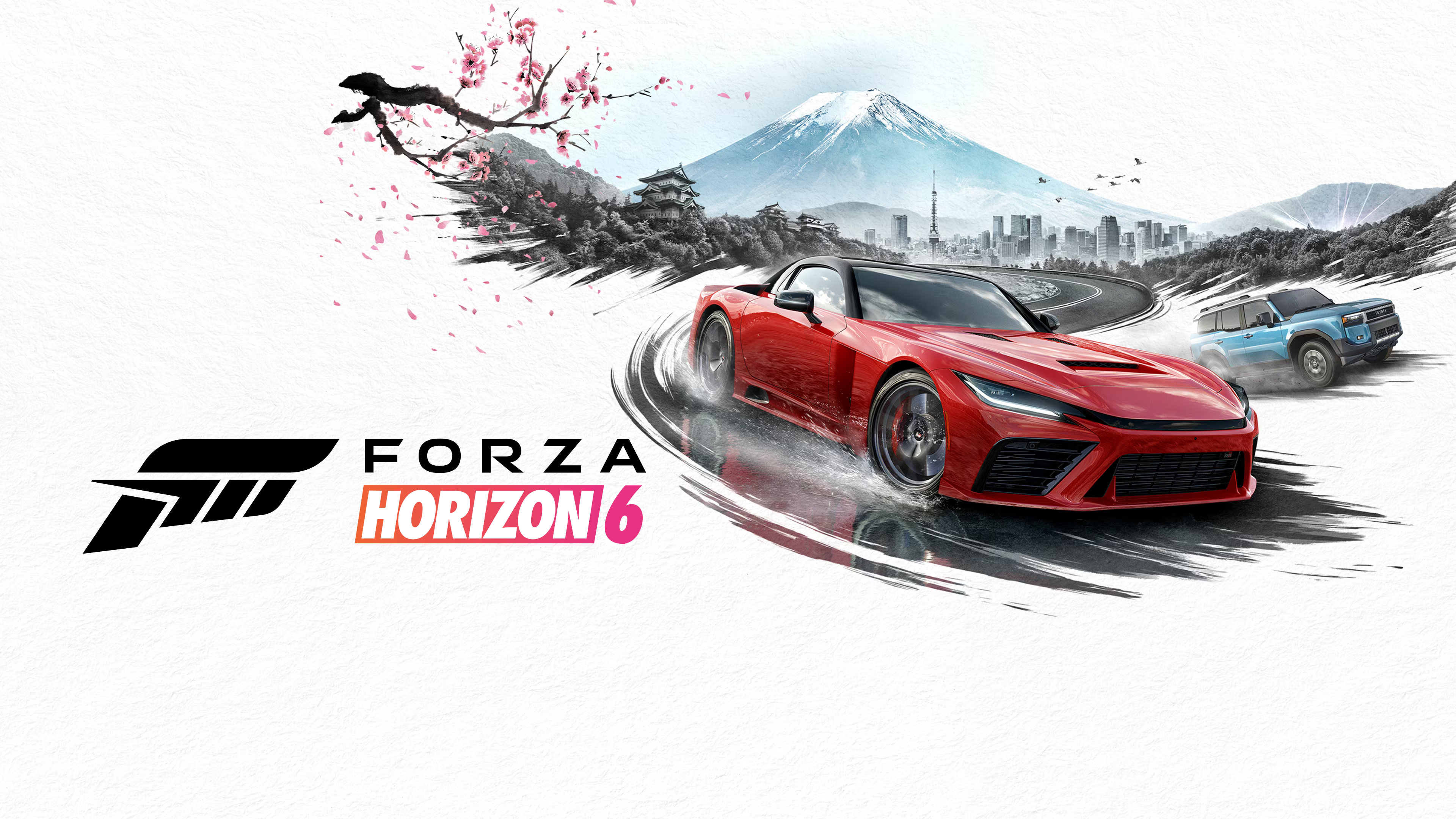
If you have lost your Forza Horizon 6 progress or your save looks like a fresh file, you are not alone and you are not imagining it. A confirmed bug is wiping save data for players on both Xbox Series X/S and PC. Playground Games acknowledged the issue on June 11 and fixes are being rolled out. The situation is different depending on which platform you are on, so read the relevant section below first.
If your save just disappeared: Do not start a new game. Do not play another session. Open a support ticket at forza.net immediately. The sooner you submit, the better the chances of recovering your previous save profile.
What Is Happening
Forza Horizon 6 launched to strong numbers, breaking Steam concurrent player records for an Xbox Game Studios title. Shortly after launch, reports started appearing across Reddit and community forums of players losing hours or hundreds of hours of progress without warning. Some people found their entire save rolled back. Others found themselves starting from scratch with no trace of their cars, credits, or customisations.
Playground Games confirmed on June 11 that the bug involves save synchronisation between devices and the Xbox cloud save system. The specific triggers that have been identified are Quick Resume on Xbox Series X/S, switching between devices mid-session (for example, moving between an Xbox and a PC), and force-closing the game before a cloud sync has finished. The root cause is a deeper issue in how Gaming Services handles save data, which is why the PC fix came through a Gaming Services update and the Xbox fix required a full system update.
The player reactions have been rough. One person on Reddit wrote: "I'm genuinely devastated and there's truly nothing I can do about it but hope it doesn't happen again. I'm sick. Millions of credits, fully tuned cars, custom garage I built myself." That kind of post has been appearing repeatedly. This is not a minor inconvenience for people who have put serious time into the game.
PC Players: Check Your Gaming Services Version
The PC fix is already live. It came through Microsoft's Gaming Services application, which runs in the background on Windows. You need to be on version 37.114.10001.0 or higher.
To check your Gaming Services version and update it:
- Open the Microsoft Store on your PC.
- Click the Library icon in the bottom left.
- Find Gaming Services in the list.
- If an update is available, install it. If it shows the current version, you are already protected.
Once Gaming Services is updated, the risk of encountering the save wipe bug is significantly reduced. That said, Playground Games still recommends that all PC players avoid force-closing the game during a save and make sure the save icon is not visible before closing. Wait for the cloud sync to complete before shutting down your PC or switching devices.
Xbox Players: Disable Quick Resume Now, System Update Is Rolling Out
Xbox players have a two-part situation. The full fix requires a system update that started rolling out on June 12. If your console has not updated yet, or you want to check, go to Settings, then System, then Updates to ensure you are running the latest version.
In the meantime, the most important thing you can do is disable Quick Resume specifically for Forza Horizon 6. Quick Resume has been identified as one of the main triggers for the save wipe on Xbox. Here is how to turn it off for this game only without affecting other titles:
- From the dashboard or My Games & Apps, highlight the Forza Horizon 6 tile.
- Press the Menu button (the three-line button on your controller).
- Select Manage game and add-ons.
- Navigate to Quick Resume settings.
- Select Disable Quick Resume.
After doing this, always close Forza Horizon 6 fully before switching to another game or shutting down your console. Playground Games also recommends staying online when quitting, so cloud sync completes before the session ends.
If You Have Already Lost Your Save
Playground Games says they can attempt to recover saves by reverting your profile to an earlier backup, but only if you submit a support ticket the same day the issue occurs. The longer you wait, the lower the chances of recovery.
Go to support.forza.net and open a ticket immediately. Do not start a new save file before you hear back. Do not play another session. A support agent will investigate your case and attempt to restore what is on record from your last saved profile. They can return cars, credits, and vanity items they can identify from the backup, but it depends on what was captured before the wipe happened.
If recovery is not possible, Playground Games has said they will advise you to delete the corrupted save and start fresh. That is obviously a bad outcome, but there is nothing to be gained by waiting.
Submit the ticket the same day it happens. That is the official recommendation and it genuinely matters for your chances of getting anything back.
Players Switching Between Devices: Extra Caution Required
If you regularly play Forza Horizon 6 across multiple devices, such as an Xbox and a PC, or two different PCs, you are at higher risk until the underlying cloud sync issue is fully resolved. Playground Games specifically called this out in their official statement.
The practical advice is to finish a session completely on one device, make sure the game has synced to the cloud (the save icon has disappeared from the screen), and wait a couple of minutes before opening the game on a different device. Jumping between devices mid-session, or closing a session before it has finished syncing, is what triggers the conflict that can cause the rollback.
Where Things Stand
PC fix: live. Xbox system update: rolled out from June 12. The underlying save synchronisation issue is being actively worked on, but both platforms have received significant mitigations and the immediate risk is reduced if you follow the steps above.
Playground Games has not given a date for a full game-side patch that would address the root cause completely. The Gaming Services fix on PC and the Xbox system update are platform-level mitigations, not a Forza-specific patch. A game update addressing the bug directly from Playground Games has not been confirmed with a timeline.
Forza Horizon 6 is otherwise a strong game. Japan is a well-designed map, the car list is large, and the weekly Series structure gives consistent reasons to play. Losing hundreds of hours of progress to a cloud sync bug at launch is a genuinely bad experience, and the player frustration is legitimate. The fix is coming. In the meantime, the steps above are the best protection available right now.